
One story, camera-ready, by you.
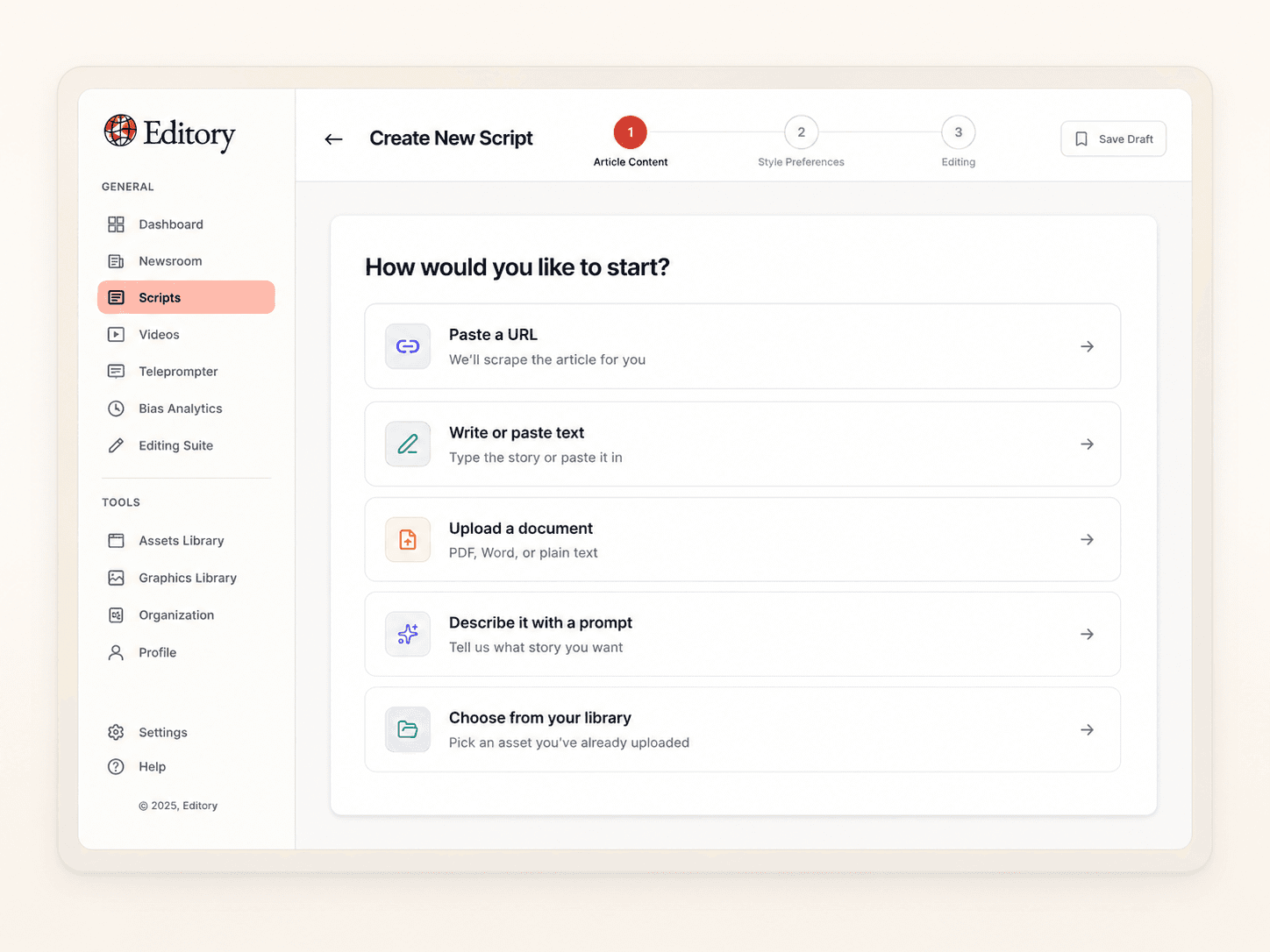
Start where the reporting lives.
Paste an article, drop a URL, or connect your CMS. Editory understands the structure of a news story, including leads, attribution, quotes, and context, and uses it to inform every step that follows.
- Manual paste and URL import
- CMS connections (WordPress, Arc, custom)
- Respect for embargoes, drafts, and permissions
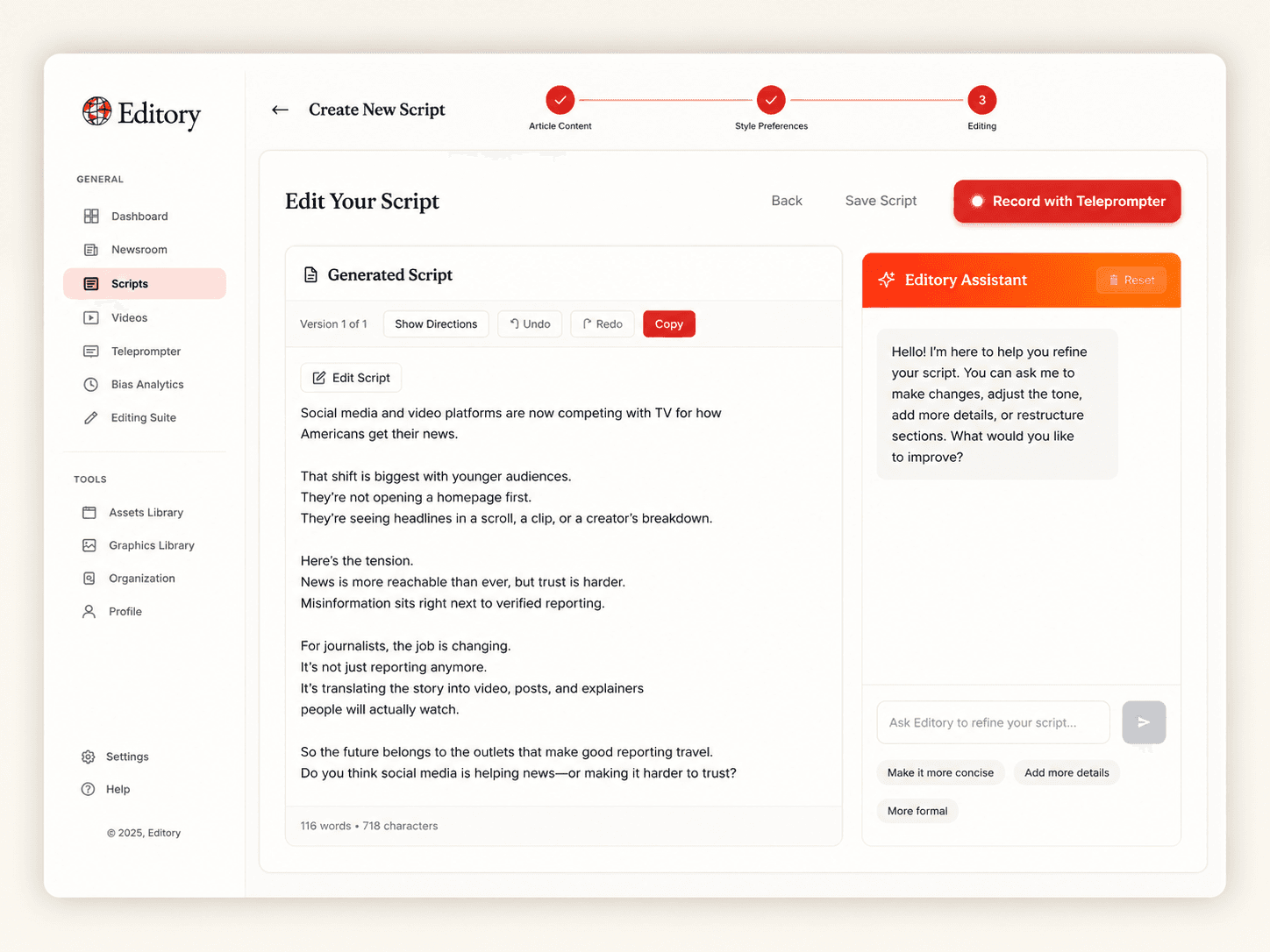
A measured first draft, never the final word.
Editory produces a clean, attribution-aware first-draft script tuned for short-form video. Reporters and editors review every word before it goes to camera.
- Tuned for clarity and pacing, not for clicks
- Preserves attribution and quoted sources
- Editable in a focused, distraction-free surface
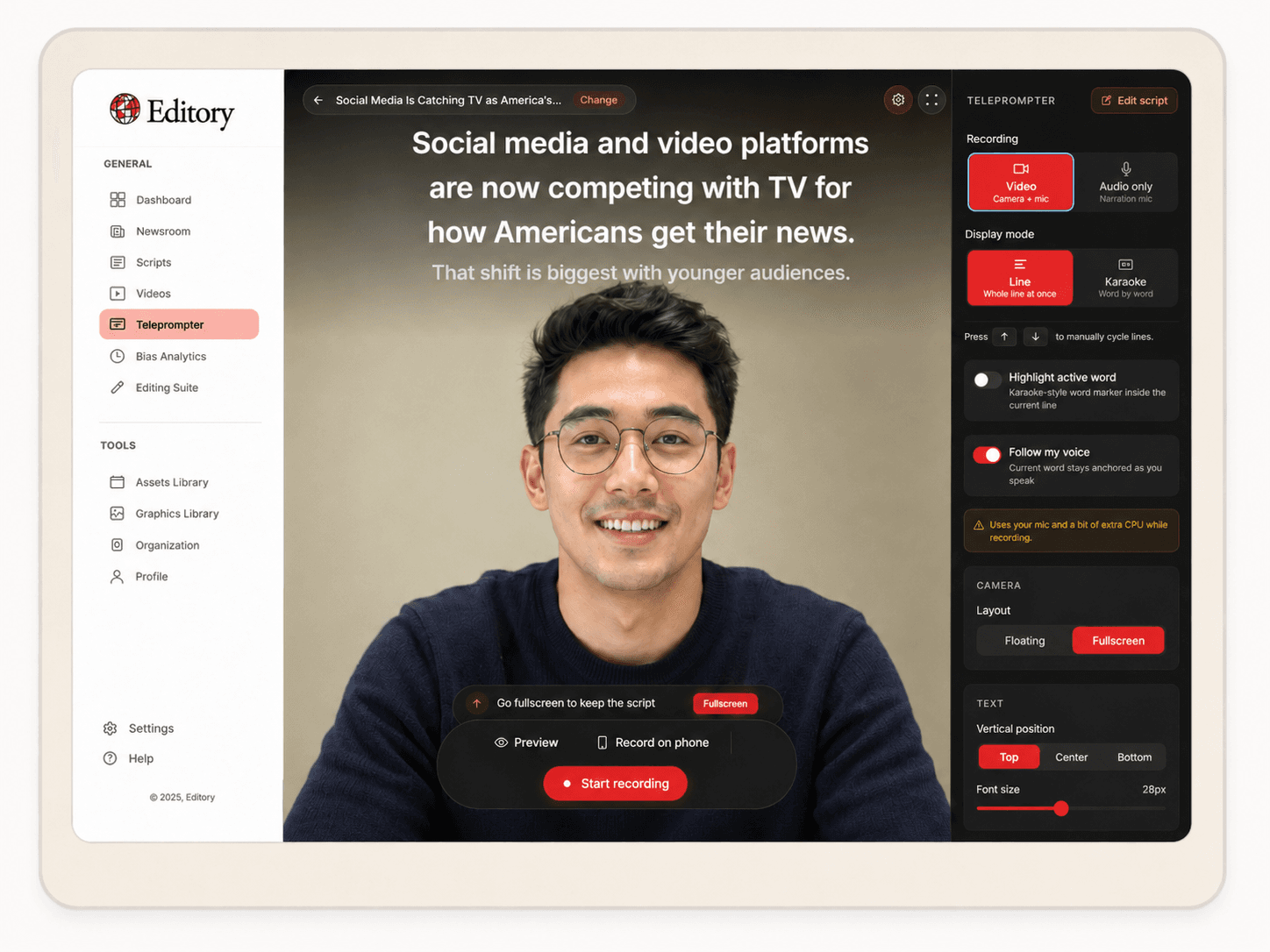
A calm recording surface, built for working journalists.
Adaptive scroll listens and keeps pace with the reporter. Markers help with retakes. The interface stays out of the way, so the story stays in focus.
- Adaptive scroll with gentle pacing cues
- One-tap retakes, segment by segment
- Designed for laptops, tablets, and phones
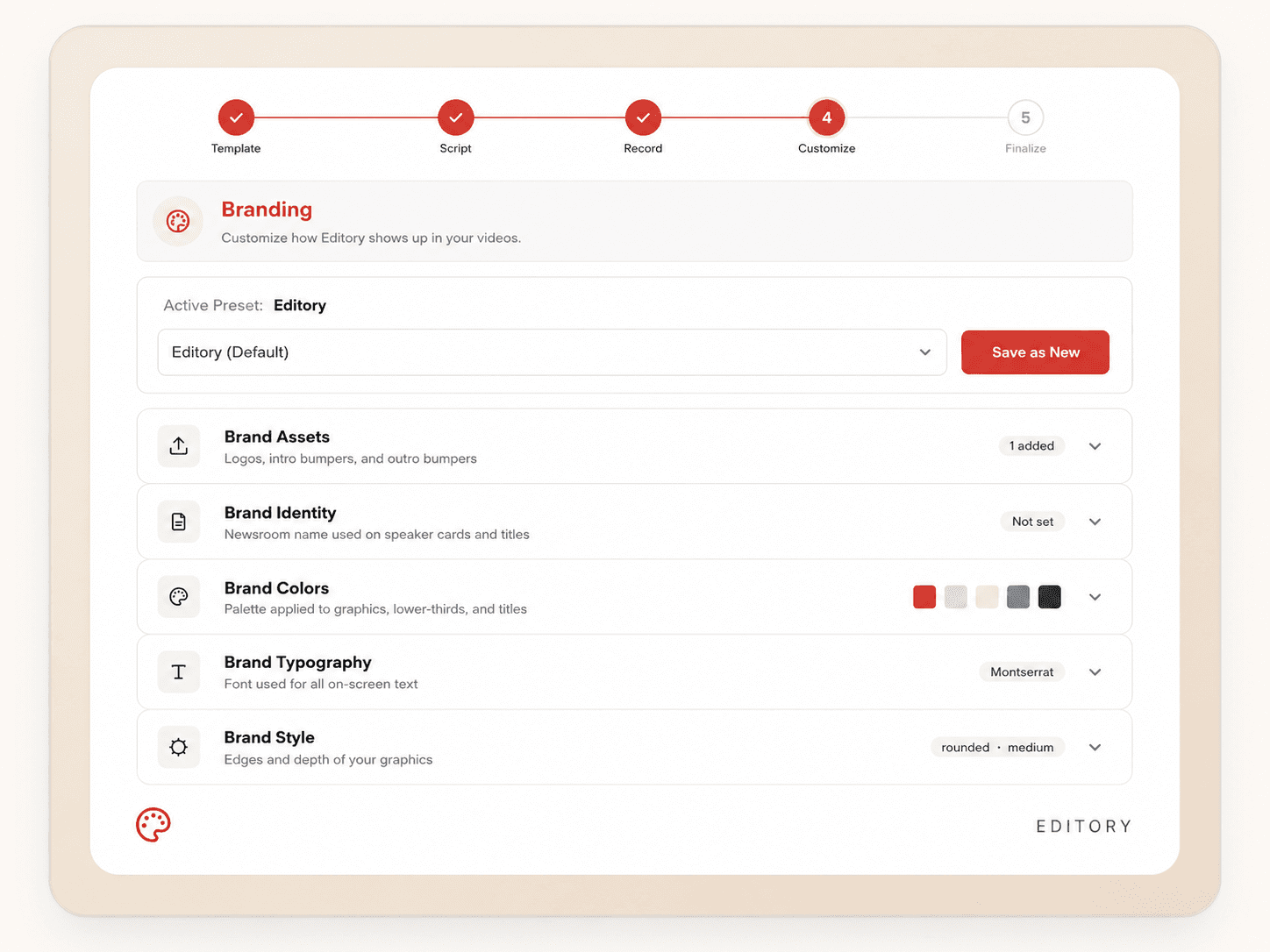
Looks like your newsroom, without anyone touching templates.
Save your newsroom's lower-thirds, end cards, type, and color treatments once. Every reporter on the team gets exports that look consistently produced.
- Lower-thirds, end cards, type pairings
- Workspace-wide brand presets
- Platform-aware aspect rules
Social-ready cuts in every aspect that matters.
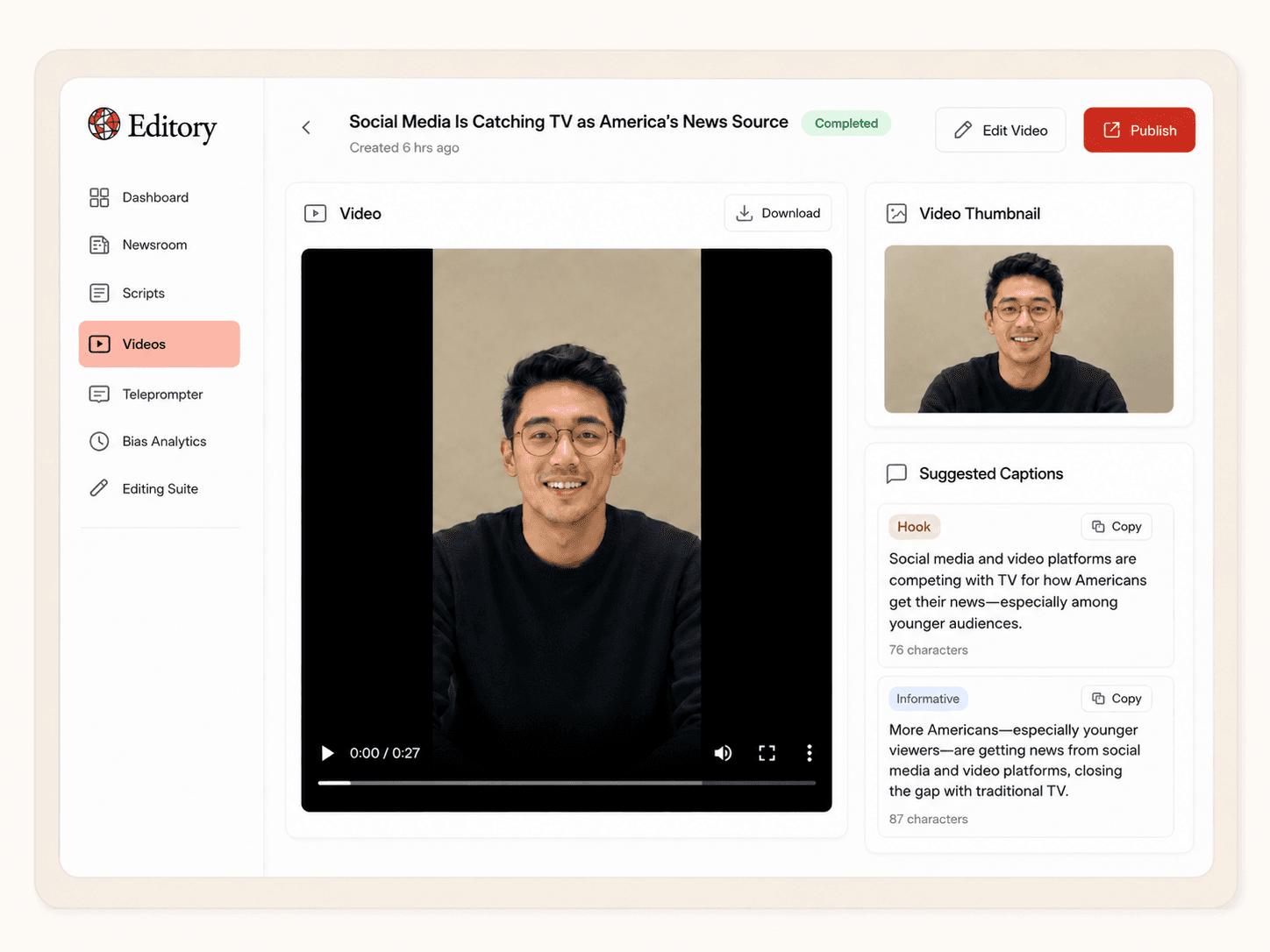
Editory exports vertical, square, and horizontal cuts with captions baked in. Set the thumbnail, hook up your social accounts, and export directly or hand it off to your social lead.
- 9:16, 1:1, 16:9 in one pass
- Thumbnail selection
- Connect social accounts for direct export
The whole creator workflow,
one flat price.
Less than a freelance edit. Script, teleprompter, brand, and export in one place.
Made for the way independent creators actually work.
Break down a complex story in 60 seconds, without losing the reporting.
Turn this week's newsletter into a short video that meets readers on social.
Get a clean update on camera in minutes, with attribution intact.
Build a body of social-first work that still looks and sounds like journalism.
The same production craft, under every video.
Custom graphics
Design lower-thirds, stat cards, and headline graphics once, in a visual editor, sized to your layout. After that they're frozen: every video draws the same design to the pixel, and only the words change.
- Authored visually: no code, no templates to fight
- Frozen layouts that never drift between videos
- One graphic library shared across brands and teammates
B-roll sourcing
Editory reads the script and finds footage and stills that match what's being said, then times and places each cutaway inside your layout. Everything stays editable afterwards.
- Matched to the script, beat by beat
- Timed to the narration automatically
- Wide photos fitted over a blurred backdrop, never crudely cropped
Brand kits
Save your colors, type, logo, and end cards once. Every export (yours or anyone's on the team) comes out consistently produced, in every aspect ratio.
- Colors, type, and logo saved once
- Applied automatically on every export
- Shareable across your whole organization
Auto-captioning
Most viewers watch with the sound off, so every video ships with captions timed to the word, placed where your layout says they belong, styled by your brand kit, and never an afterthought you burn in later.
- Word-level timing from the transcript
- Positioned by the layout, styled by the brand kit
- Baked into 9:16, 1:1, and 16:9 on export
Bring your next story to camera in an afternoon.
Start free, or see the workflow live in a 30-minute walkthrough.